Nexus Point Truck GPS Navigation

Truck GPS Navigation
Navigation built for big trucks. Set your truck's height, weight and length and get routes that respect them, with low-bridge alerts, truck stops, offline maps and music controls right on the map. No account, no sign-in: it opens straight to the map.
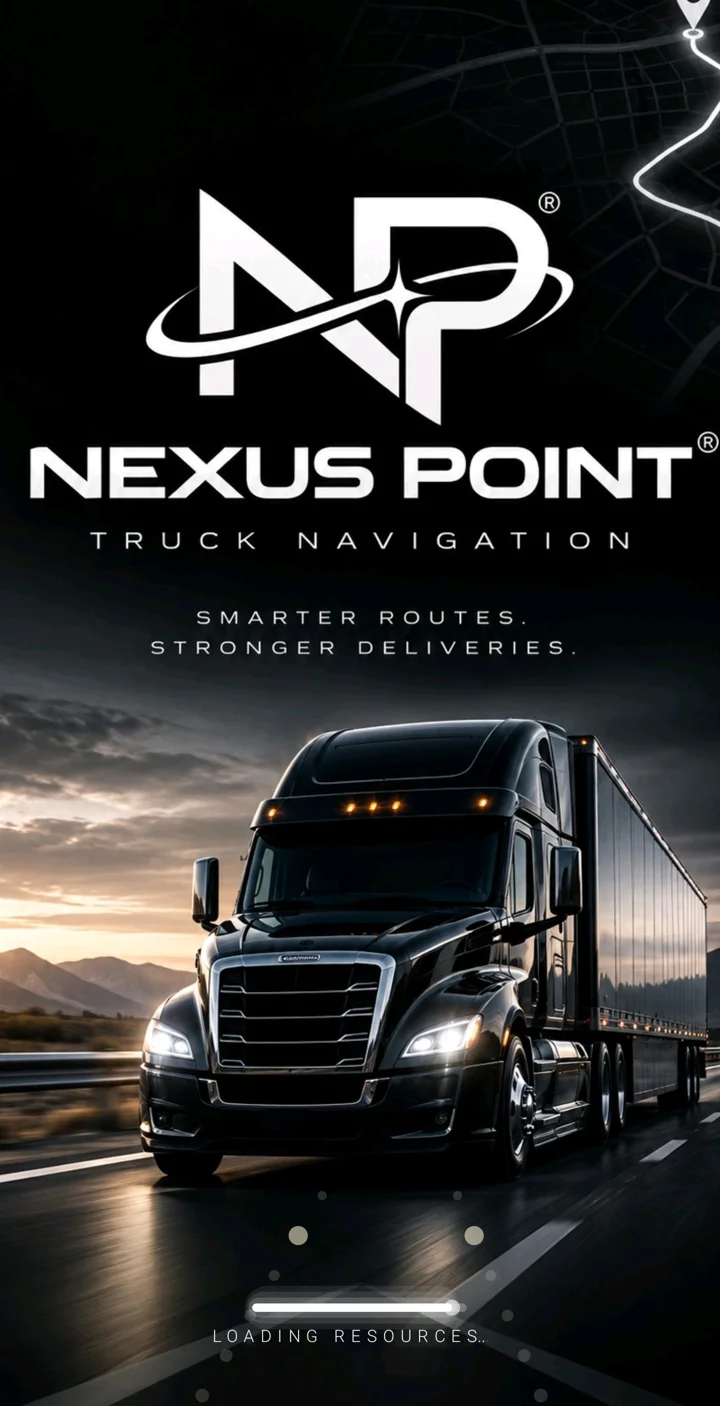
The app.
The main navigation screen, captured from Nexus Point Truck © running on a phone.
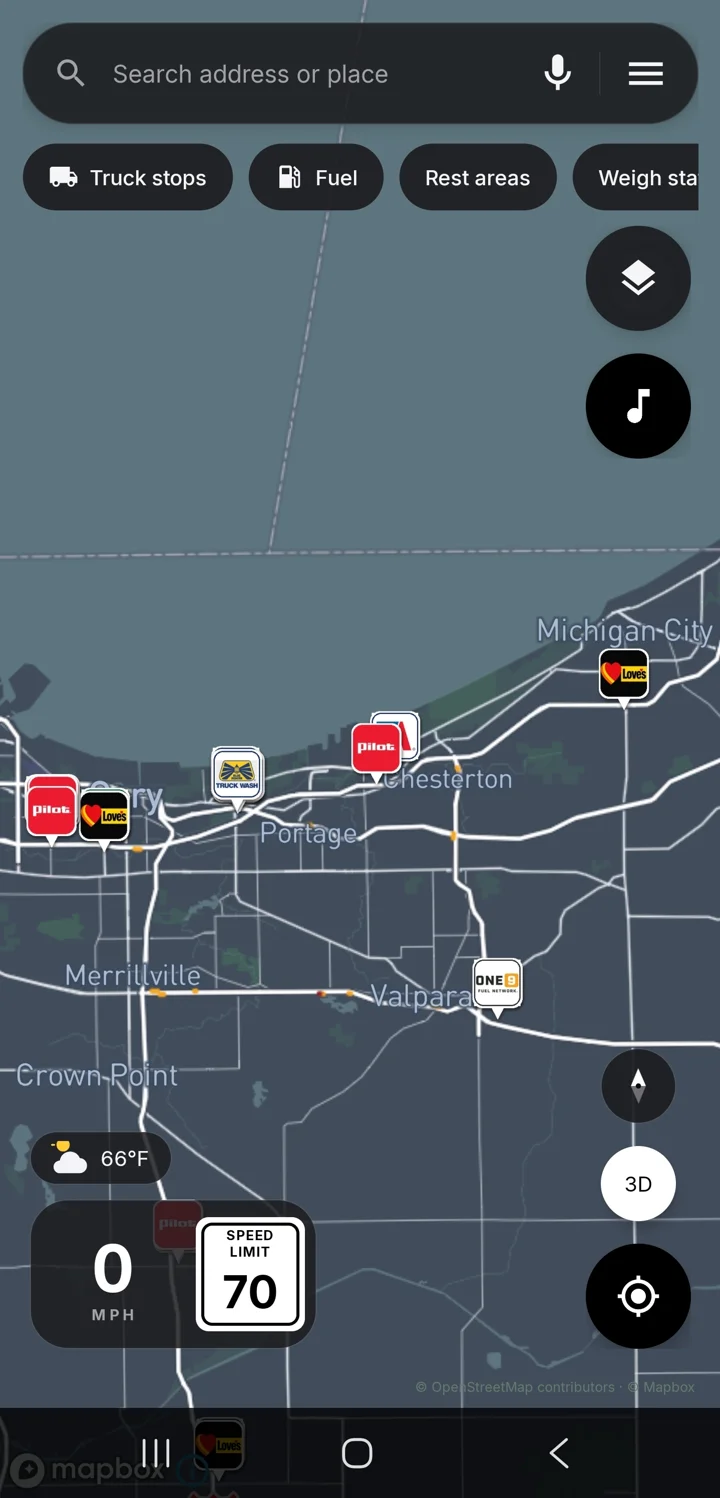

Real screens.
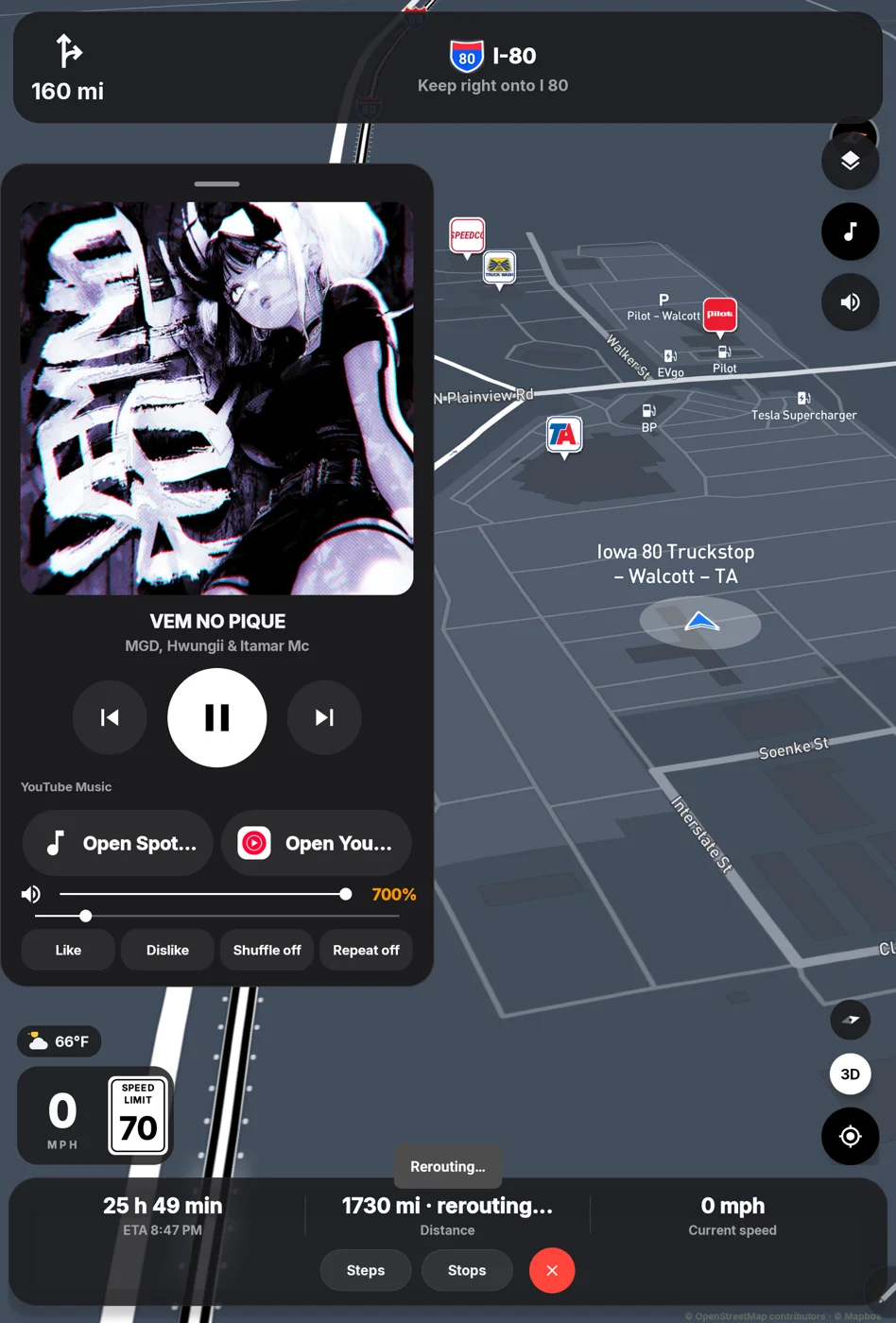
Screenshots from the running app. Tap any to see it full size.
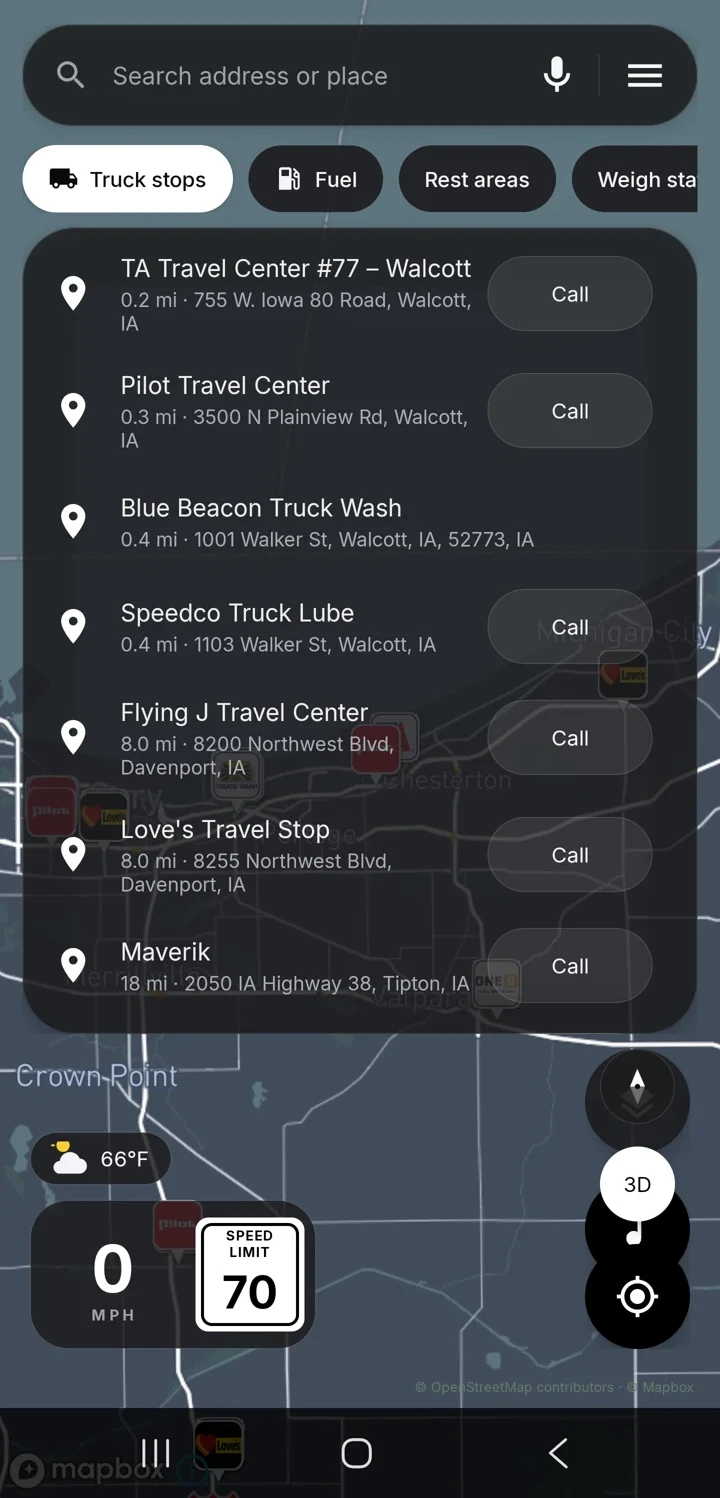
Built for the road.
Everything a driver needs on one black-glass map.
Truck-safe routing
Enter your truck's height, weight and length. Routes avoid roads and bridges your truck shouldn't take.
Low-bridge alerts
Low clearances along the way are marked on the map and called out before you reach them.
Truck stops and fuel
Find truck stops, fuel and rest areas along your route, with brand icons you recognize.
Offline maps
Download the areas you drive so the map and routing keep working with weak or no signal.
Music on the map
Control Spotify or YouTube Music from a floating player you can drag anywhere. Choose Phone (smaller) or Tablet (bigger) size in Settings.
Volume booster
Boost media volume up to 700% for a loud cab. A one-time hearing warning appears the first time you go high.
YouTube Music, honestly.
With YouTube Music Premium
- Music keeps playing in the background while you navigate
- Play, pause, skip and album art right on the map
Spotify
- Works with the Spotify app on your phone
- Nexus Point Truck © controls your music app; it doesn't stream music itself
System requirements.
Android
- Android phone or tablet, Android 8.0 or newer
- GPS and location permission
- Internet for live maps and routing; offline maps for weak signal
Install
- Direct APK download, not from Google Play
- Allow “Install unknown apps” for your browser or Files app
- If Play Protect warns, tap More details, then Install anyway
Not included
- No fleet Management or dispatch features
- No sign-in, approval or device lock
- Not available for iPhone
Plain, fair policies.
Read them before you buy. They are short and written in plain language.
Merchant Policy
Price, delivery, refunds within 7 days, and what you're responsible for.
Read the merchant policy →Terms of Service
Your personal license, driving safety and the limits of map and clearance data.
Read the terms →Privacy Policy
No account, no ads, no analytics. What goes to map providers and to Stripe.
Read the privacy policy →Own it once.
One-time purchase. The Android APK for phones and tablets.
Questions.
How do I get the app after I pay?
Stripe sends you straight to a download page with your APK link. Download it as many times as you like for 24 hours. Stripe also emails your receipt. Keep the page private.
Android says the app is from an unknown source, or Play Protect warns me. Is that normal?
Yes. Nexus Point Truck © is installed directly, not from Google Play. Allow Install unknown apps for your browser or Files app. If Play Protect shows a warning, tap More details, then Install anyway. The install guide walks through each screen.
Do I need an account or sign-in?
No. There's no login, no name or phone number and no approval. After the splash screen it opens straight to the map.
Will YouTube Music play in the background?
Only with YouTube Music Premium. Without Premium, YouTube Music plays while its app is in front. Spotify works as your Spotify plan allows.
Is it a subscription?
No. It's a single $26.99 purchase.
Can I get a refund?
Refunds follow the Nexus Point Truck © merchant policy: request one within 7 days of purchase by emailing [email protected] with your Stripe receipt. Refunds are approved if the app won't install or run on a supported device after we've tried to help, or if you were charged in error or twice.