01
Auto-crop
Point at a page and Nexus Scanner finds the edges and cleans up the scan for you.
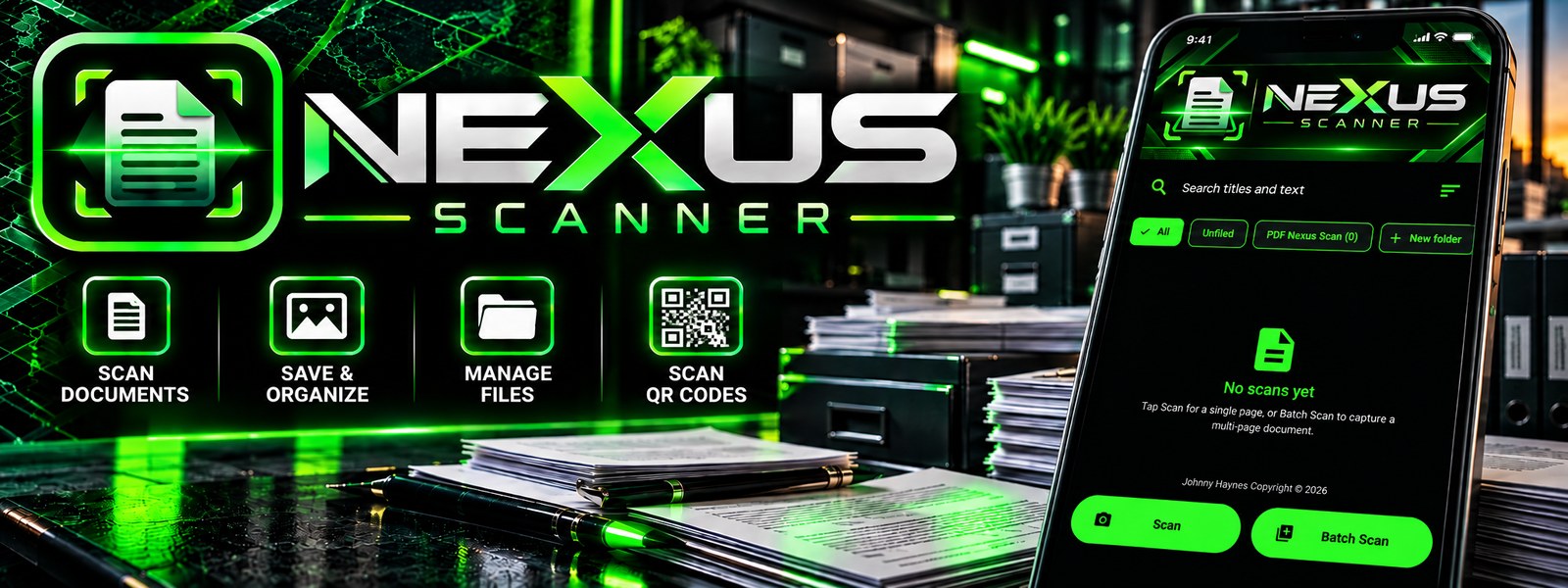
A document scanner that stays on your phone. Scan, crop, sign and save PDFs with no account, no ads and no internet permission.
One-time purchase. No subscription. · Privacy policy
Tap through the four steps to see how a page goes from camera to PDF.
Everything happens on your device. Your documents never leave your phone.
Point at a page and Nexus Scanner finds the edges and cleans up the scan for you.
Turn scans into searchable, copyable text with built-in OCR.
Sign documents right on your phone and save them as PDFs.
Back up and restore your files without any cloud account.
Nothing to sign up for and nothing interrupting your work.
A dark design with neon green accents that is easy on the eyes.
The full toolkit, all working without a connection.
Scan the front and back of an ID card and place both on a single A4 page.
Create, rename and delete folders, sort by date or name, move documents, or select several to merge into one PDF.
Search your library by document name and by the words found inside the pages.
Copy, share or save a page as .txt. Works for Latin-script languages.
Read QR codes and barcodes, then copy, share or open a link in your own browser.
Drag pages to reorder, rotate or delete single pages, and add more pages to an existing document.
Many popular free scanners ask for an account, show ads or sell a subscription. Nexus Scanner does none of that.
Straight answers, including the limits.
No. The app does not request internet permission, so it cannot upload your scans. Scanning, text recognition, folders and PDF export all work offline.
Only the camera. Importing photos uses the Android photo picker, so no storage permission is needed.
No. It is a single $16.99 purchase with no subscription and no ads.
Create a backup .zip and save it wherever you choose, such as local storage or Google Drive through the Android file picker. Restoring merges it with what is already on the device.
Scans sit in the app's private storage and are not encrypted by the app itself. Backup files are ordinary .zip files, so keep them somewhere safe. Android's own device backup, if you have it on, may also include your scans.
Latin-script languages only.
Android phones. Edge detection works best when the page contrasts with its background, and you can always adjust the corners by hand.
Email [email protected].
Pay $16.99 one time. No subscription, no ads, no account.
Buy Now $16.99Privacy policy · Terms of service · Merchant policy · Install guide (PDF)